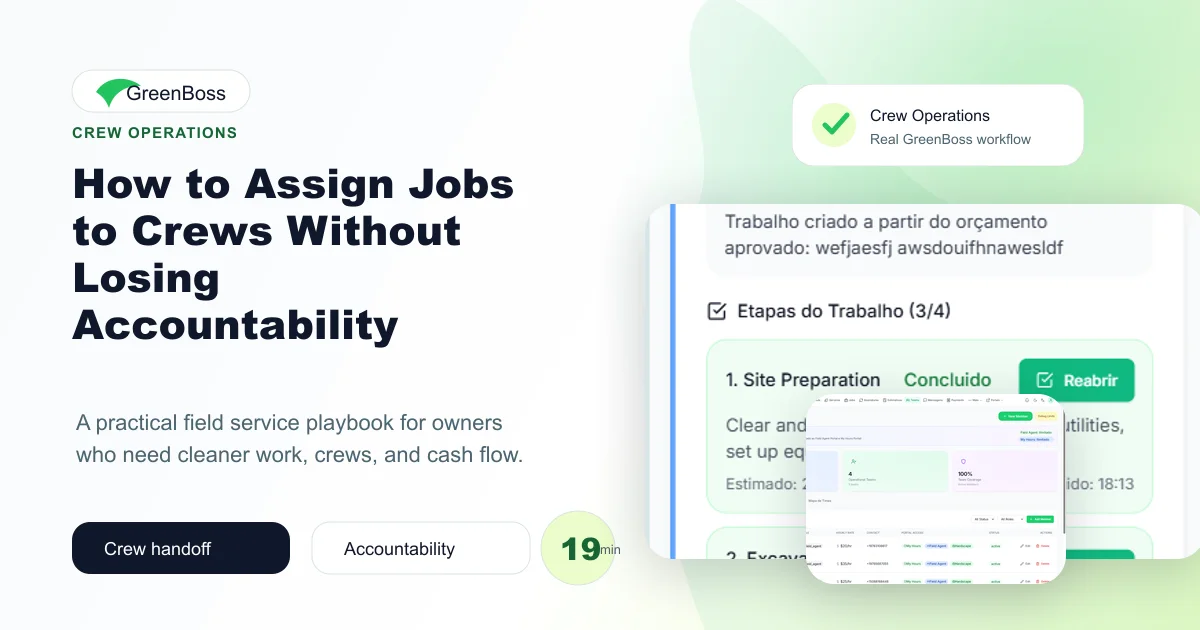
How to Assign Jobs to Crews Without Losing Accountability is not just a software topic. For field teams with multiple crews, jobs, and service windows, it is an operating discipline: the team needs one place to plan the work, one rhythm to execute it, and one weekly review to improve it.
Why this workflow matters
Most operational problems do not arrive as one dramatic failure. They arrive as small gaps: a missing detail, a late update, an unclear owner, a client who was not informed, or a number the office only sees after the week is already over.
That is why a strong system matters. It reduces the number of decisions that depend on memory and makes the next action visible before the business has to chase it manually.
Owner noteThe goal is not to add more administration. The goal is to remove repeat confusion by giving the team a shared place to plan, confirm, complete, and review the work.
The operating system behind it
A practical operating system starts by connecting the record, the assignment, the client, and the money. If those pieces live in separate places, every handoff creates friction.
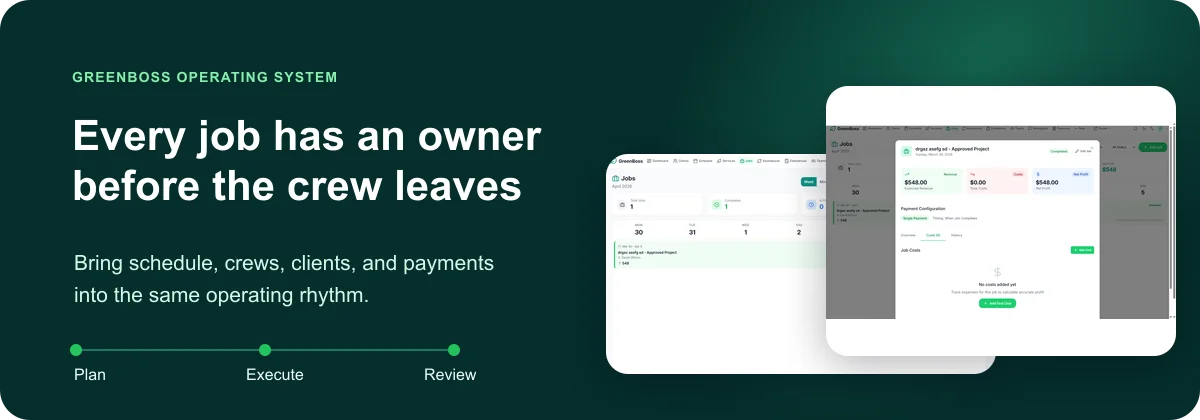
For this topic, the core promise is simple: make job ownership visible from office planning to field completion. Once that becomes part of the routine, the business can move faster without becoming harder to manage.
One source of truth
The office and field team should be looking at the same client, job, schedule, and status information.
Clear ownership
Every important item needs a next owner, not just a note buried in a message thread.
Visible exceptions
The team should review what is late, missing, unpaid, unassigned, or at risk before it becomes urgent.
Weekly improvement
The owner should be able to see patterns and make small adjustments every week.
The weekly workflow
The best workflows are short enough to actually happen. Start with a simple weekly rhythm and make it consistent before adding complexity.
- Assign the crew
- Attach service details
- Confirm location and contact
- Review completion before invoicing
This gives the team a practical cadence. The owner does not need to inspect every detail personally, but the important exceptions become visible.
What to track
Do not track everything just because software makes it possible. Track the few signals that tell you whether the system is getting cleaner or more chaotic.
- unassigned jobs, late starts, missed notes, completion status
- How many items were handled on time versus carried into the next week.
- Which problems repeated more than once and need a process fix.
- Which services, crews, or client types created the most friction.
How GreenBoss helps
GreenBoss gives service businesses a connected place for schedules, jobs, clients, estimates, invoices, crews, portals, messages, and reporting. That matters because the work does not move through the business in isolated pieces.
When the system is connected, the owner can stop hunting through messages and spreadsheets and start managing the business from a clearer operating board.
Conclusion
Every job has an owner before the crew leaves is not created by one heroic push. It is created by a repeatable rhythm that the whole team can follow. Start small, make the workflow visible, review it every week, and let the system carry more of the load.