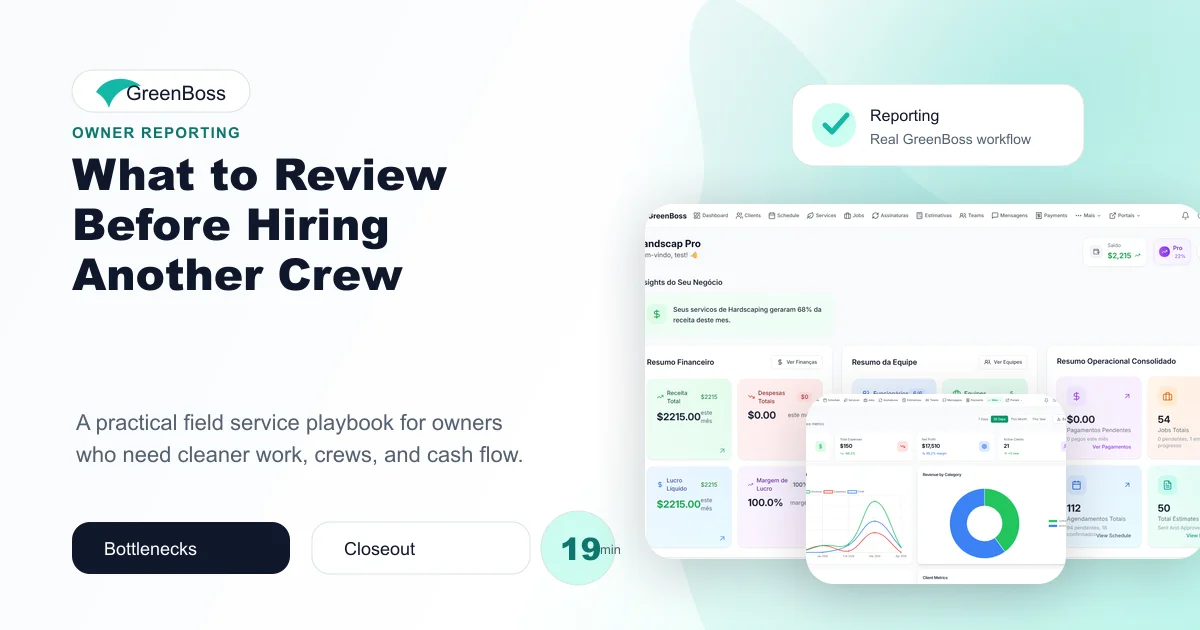
What to Review Before Hiring Another Crew matters because service businesses rarely lose control all at once. They lose it through small handoffs that nobody owns: a missed note, an unclear assignment, a client update that never happened, or work completed in the field but not connected to billing.
This guide is for owners deciding whether growth requires more people or better systems first. It focuses on hire another service crew as an operating habit, not a corporate theory. The goal is to help owners make the process visible enough for crews to follow and simple enough to repeat every week.
What hire another service crew means in daily operations
hire another service crew is the system a service company uses to make sure work does not disappear between sales, scheduling, field execution, client communication, and billing. It is not enough to know that work exists. The company needs to know who owns it, when it happens, what changed, and what needs attention.
When the business wants another crew before proving the current operation is scheduled, billed, and managed cleanly, the owner becomes the backup system. That might work for a short season, but it becomes expensive as the business adds crews, recurring work, commercial accounts, and more client expectations.
The cost of leaving it informal
Informal processes feel faster until the company has to explain what happened. the owner considers adding 3 employees, but current crews still lose hours to unclear routes, late materials, and unbilled work. That situation creates paid time without clean production, and it usually creates another message, another call, or another client expectation to repair.
The cost shows up in five places: crew hours, drive time, delayed billing, client trust, and owner attention. The business may still look busy, but busy is not the same as controlled.
A practical workflow to install
Step 1: Define the trigger
Decide what event starts the workflow. It may be a new lead, an approved estimate, a scheduled job, a completed visit, a client complaint, or a field note. If the trigger is vague, the process will always depend on someone remembering it.
Step 2: Assign one owner
Every open item needs an owner. The owner is not always the person doing the work, but they are responsible for making sure the next step is visible. This keeps tasks from floating between office, field, and client.
Step 3: Keep the required fields small
A good workflow captures only the details that change the outcome: client, property, scope, date, crew, status, notes, proof, and billing readiness. If the form is too long, crews avoid it. If it is too short, the office cannot act on it.
Step 4: Close the loop daily
Do not wait until Friday to find missing information. A short daily closeout helps the office know what was completed, what rolled over, what needs client follow-up, and what is ready to bill.
Step 5: Review the pattern weekly
The weekly review should ask where the process broke. Was it scheduling, job scope, route planning, communication, documentation, pricing, or billing? Fix one repeated issue at a time.
Checklist for the owner
- Write the standard for hire another service crew in one paragraph.
- Choose the person responsible for keeping the workflow clean.
- Decide which status labels the team will use.
- Connect field notes to the client, job, and next action.
- Review incomplete items every day before they become stale.
- Track one weekly metric that shows whether the process is improving.
Metrics that reveal whether it is working
| Metric | Why it matters |
|---|---|
| Open items older than 7 days | Shows where work is getting stuck. |
| Unassigned work | Shows whether responsibility is clear. |
| Same-week changes | Shows how often the plan is being rebuilt. |
| Completed but unbilled jobs | Shows whether field execution is connected to cash. |
| Repeat client issues | Shows where communication or quality standards need attention. |
Common mistakes
- Making the system too complicated for field crews to use.
- Letting important notes stay inside text messages.
- Reviewing results only after the client complains.
- Adding software before defining the operating standard.
- Tracking data that does not lead to a decision.
GreenBoss helps service businesses turn daily work into a visible operating system.
Use GreenBoss reporting to connect crews, jobs, clients, schedules, estimates, invoices, and reporting in one place.
Related GreenBoss resources
- manage multiple service crews without chaos
- labor hours profit landscaping
- spot operational bottlenecks service business
- GreenBoss reporting
Frequently Asked Questions
What is hire another service crew?
hire another service crew is a practical operating workflow that helps a service business organize work, responsibility, timing, and follow-up. It matters because field work moves quickly, and small gaps in process can create delays, client confusion, or lost margin.
Who should own hire another service crew?
One person should own the standard, but the whole team should use it. In a small company, that owner may be the founder, office manager, or operations lead. The important part is that updates, exceptions, and follow-up do not depend on memory.
How do you make this process easier for crews?
Keep the workflow short, visible, and connected to the job they already need to complete. Crews should not fill out paperwork for its own sake. They should capture the few details that help the office, client, and next visit stay aligned.
What should the owner review weekly?
Review open work, schedule changes, incomplete notes, unbilled jobs, callbacks, late payments, and client issues. The goal is not to inspect every detail. The goal is to spot repeated patterns before they become culture.
How can GreenBoss help?
GreenBoss connects schedules, crews, jobs, estimates, clients, invoices, and reporting in one platform. That gives service businesses one place to manage daily work, document field activity, and review the operation without chasing scattered messages.
Conclusion
hire another service crew becomes easier when the business stops relying on memory and gives the team a visible rhythm. The best system is not the most complex one. It is the one the office and crews can actually use while work is moving.
GreenBoss gives field service businesses a cleaner way to connect scheduling, jobs, crews, clients, estimates, invoices, and reporting, so the owner can manage the operation with facts instead of scattered messages.