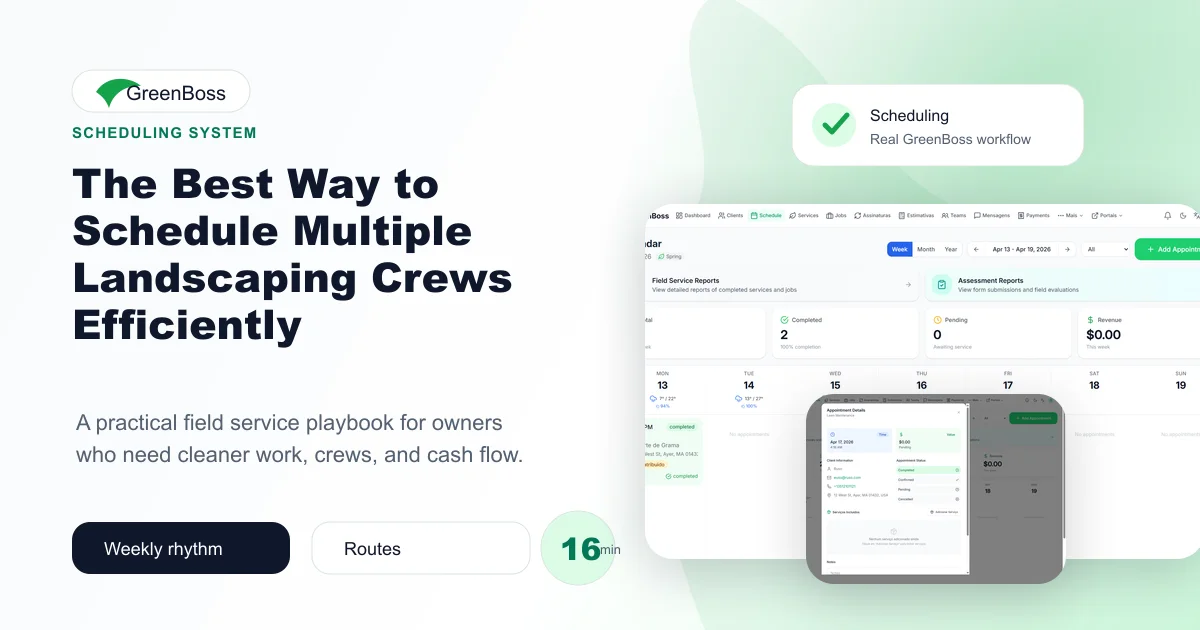
Adding a second or third crew should increase production. Too often it only increases questions: who has the aerator, which crew promised the client an early arrival, and why is the enhancements team mowing while a mowing truck sits short on work? The issue is rarely effort. It is the absence of a repeatable way to manage calendar, route, crew capacity, and client expectation.
The real operating problem behind landscaping crew scheduling
Multi-crew scheduling is different from filling more calendar rows. It means matching service type, equipment, skill, geography, and promised timing across teams that are moving throughout the day.
A weekly schedule is not a calendar decoration. It is a promise shared by the office, the crew, and the client. When a business plans capacity before accepting every request, the schedule starts protecting margin and trust instead of simply displaying appointments.
From the fieldOne company runs a maintenance crew, a hardscape crew, and a floating detail crew. Maintenance is planned by dense routes, hardscape is scheduled around staged materials and milestones, and the detail crew absorbs inspections, warranty work, and small profitable add-ons. The roles prevent daily improvisation.
Owners of small service businesses, including many immigrant-owned companies building a reputation in a new market, often carry this coordination personally. A reliable system is not bureaucracy. It lets the company deliver the same professional promise even when the owner is selling work, helping a crew, or speaking with a client.
A practical framework owners can put to work
Build crew profiles
Document the services, equipment, certifications, languages, and realistic daily capacity for each crew. Scheduling becomes faster once dispatch can see fit, not just availability.
In practice, the office should record this decision where the assigned team can see it, and the team should close the loop before the work is considered complete. That simple discipline prevents the same conversation from happening repeatedly.
Dispatch with complete job packets
Each assigned visit should carry address, scope, estimated duration, photos or notes, client contact protocol, and closeout requirements. Complete instructions reduce calls from the field.
In practice, the office should record this decision where the assigned team can see it, and the team should close the loop before the work is considered complete. That simple discipline prevents the same conversation from happening repeatedly.
Use a daily rebalancing rule
At midday, review jobs running long, completed early, or blocked. Move only work that fits the receiving crew and notify affected clients before the truck changes course.
In practice, the office should record this decision where the assigned team can see it, and the team should close the loop before the work is considered complete. That simple discipline prevents the same conversation from happening repeatedly.
How to implement the workflow this week
Do not begin by attempting to fix the whole business in one weekend. Choose the active jobs and recurring clients that will move through the next seven days. Use them to establish the workflow, listen to crew feedback, and remove steps that create work without improving visibility.
- Step 1: Define crew strengths and equipment. This step should have an owner and a visible completion signal, so it does not depend on someone remembering it later.
- Step 2: Group work by route and service type. This step should have an owner and a visible completion signal, so it does not depend on someone remembering it later.
- Step 3: Attach job instructions before dispatch. This step should have an owner and a visible completion signal, so it does not depend on someone remembering it later.
- Step 4: Hold capacity for overruns and callbacks. This step should have an owner and a visible completion signal, so it does not depend on someone remembering it later.
- Step 5: Use a midday exception check. This step should have an owner and a visible completion signal, so it does not depend on someone remembering it later.
- Step 6: Review actual versus planned time each week. This step should have an owner and a visible completion signal, so it does not depend on someone remembering it later.
At the end of the first week, sit down with the person who schedules work and one crew leader. Ask where information was missing, what created a delay, which client communication helped, and which data should be easier to capture next time. Systems earn trust when they help real people do the job.
What to measure instead of relying on feelings
A system is valuable when it creates a visible improvement. Start with a short review, not a complicated dashboard. Record enough information to answer whether customers received the promise, crews had what they needed, and the completed work translated into healthy revenue.
- Revenue-producing hours per crew day. Review the result weekly at first, then compare trends after the routine is stable.
- Unplanned reassignment count. Review the result weekly at first, then compare trends after the routine is stable.
- Drive time by crew and zone. Review the result weekly at first, then compare trends after the routine is stable.
- Jobs completed without office clarification. Review the result weekly at first, then compare trends after the routine is stable.
Measurements should start conversations rather than create fear. If a crew continually misses a planned duration, inspect estimate assumptions, travel, material staging, training, and client scope before treating the result as an employee problem.
Common mistakes that keep the problem alive
- Assigning solely to whichever crew looks open. Replace this habit with a recorded decision and a clear next action.
- Ignoring equipment and staging needs. Replace this habit with a recorded decision and a clear next action.
- Rebalancing crews without informing clients. Replace this habit with a recorded decision and a clear next action.
The strongest operators use mistakes as process information. When a problem repeats, they define the missing checkpoint, record who owns it, communicate the change, and review whether it worked on the next set of jobs.
How GreenBoss supports this system
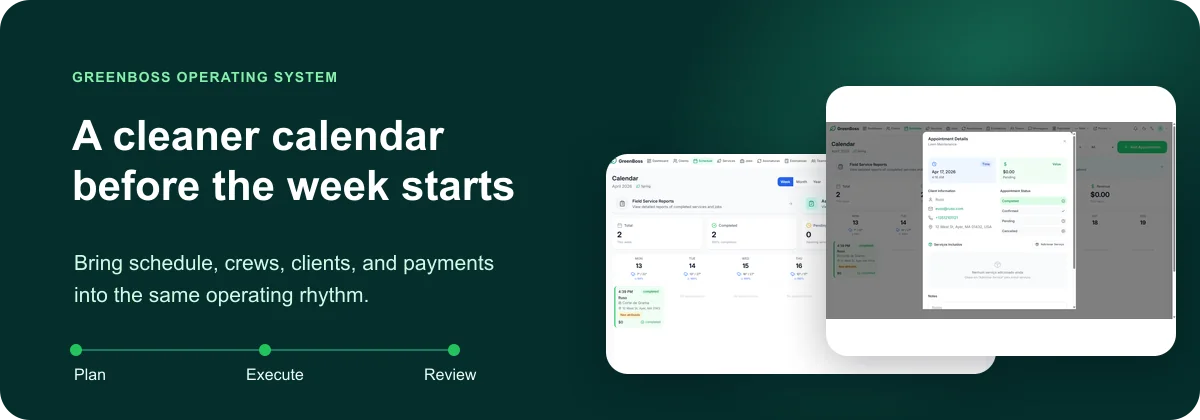
GreenBoss helps landscaping, lawn care, cleaning, hardscape, and field service businesses connect schedules, crews, client records, estimates, completed work, invoices, messages, and reporting in one place. For landscaping crew scheduling, that means the next responsible person can see the work and act without rebuilding the story from texts and spreadsheets.
This is especially important for a growing company. More clients should not force the owner to become the only person who knows what is happening. The platform supports a professional routine: plan the work, communicate clearly, complete it with proof, collect revenue, and review the result.
Related GreenBoss playbooks
Continue building the operating system with How to Assign Jobs to Crews Without Losing Accountability, Team Maps and Territory Visibility for Multi-Crew Service Companies, and Field Checklists That Improve Quality Without Slowing Crews Down. These guides connect the same work from a different operational angle.
A 30-day review for the owner
After four weeks, compare the first week with the most recent one. Review revenue-producing hours per crew day, ask a crew lead what became easier, and ask the office which exceptions still require manual chasing. Keep the routine that improved delivery; simplify the steps that people consistently avoid; and assign one improvement for the next month.
This review keeps the system grounded in actual work. It also gives an owner a calm way to explain changes to the team: the goal is not more control for its own sake, but fewer preventable problems and a stronger business for everyone doing the work.
Conclusion
The Best Way to Schedule Multiple Landscaping Crews Efficiently is ultimately about protecting the promise made to a customer and the time invested by the team. Begin with the next week of real work, clarify ownership, record the important signals, and adjust the process from evidence rather than stress.
GreenBoss helps service businesses organize crews, scheduling, clients, and recurring operations in one place. When you are ready to make this workflow visible across the business, start free with GreenBoss.